
1
Download a Media App
Open the Samsung App Store or LG Content Store, search for an approved streaming player application, and install it.
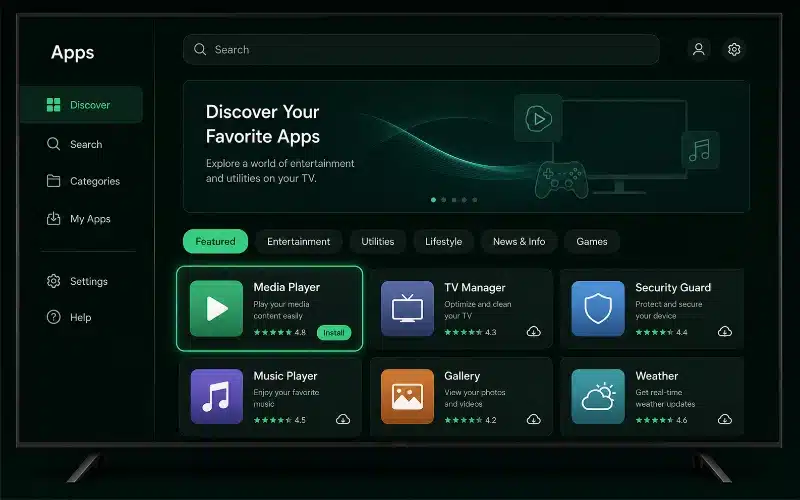 Find the app
Transform your living room. Stream 27,000+ live channels and 90,000+ movies natively on your Samsung, LG or Android television with under 5-minute setup times, anti-freeze processing and stunning 4K clarity.
 Smart TV streaming preview
Our infrastructure is uniquely optimised for direct television installations.
Takes full advantage of your display panel's hardware resolution scaling for stunning clarity.
Minimises buffer loops caused by TV memory processing limits for smooth playback.
Injects fully functional local program schedules directly into your TV app layout.
Smart TVs support two pathways. Choose the method that matches your television app.
The Xtream Codes / M3U media player method — ideal for Samsung & LG televisions.
Open the Samsung App Store or LG Content Store, search for an approved streaming player application, and install it.
Find the app
Launch the app and enter the Xtream Codes API (Portal URL, Username, Password) generated automatically at checkout. Your channels and VOD load instantly.
View login formats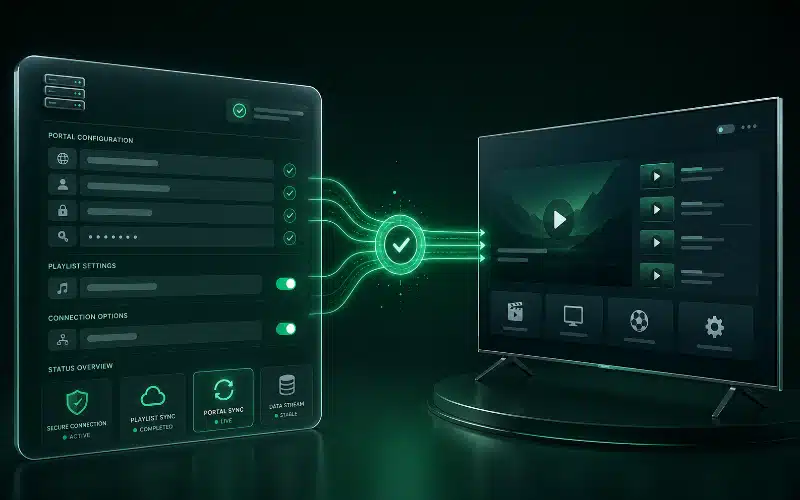 Load your line
The MAC address device-pairing method — for legacy playlist-upload applications.
Open the player application on your television and copy the unique 12-digit MAC address displayed on the screen.
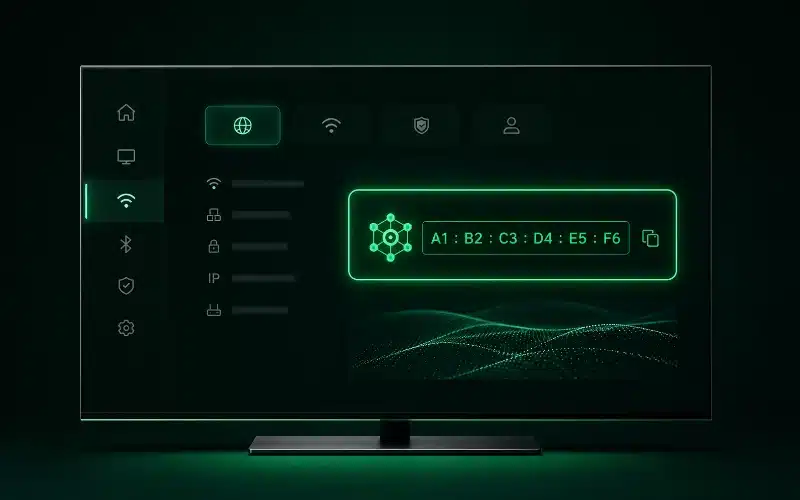 Copy MAC address
Open the application's official playlist-upload portal on a phone or PC, type in your television's MAC address, and paste the custom M3U configuration line received in your activation text. Reload the app to activate.
Our server architecture syncs perfectly across all three — pick whichever your TV supports.
The classic Samsung & LG choice — upload your M3U line via MAC pairing for a clean native layout.
All-in-one player with Xtream login, live, movies and series tabs plus full EPG support.
Portal-style emulator ideal for MAC-pairing setups, with a familiar set-top-box interface.
All three sync seamlessly with the same line — switch apps anytime without losing your best IPTV Ireland setup.
Optimise your Smart TV for stable 4K on local Irish networks.
Switching from Wi-Fi to a hardwired Ethernet connection secures stable 4K data rates and removes wireless drop-outs during peak hours.
Set reliable custom DNS parameters inside your television's network settings panel to improve resolution speed and reduce stutter.
Perform an app-level storage clearance to resolve initialisation lags and keep Anti-Freeze tech running efficiently.
Built-in VPN Protection is fully compatible with Smart TVs and helps bypass local ISP throttling for consistent 99.9% uptime.
Quick answers for your television install.
No. Modern Samsung, LG and Android televisions run a media player app natively, so you can stream directly without any external box.
Open the player app on your TV — most display the unique 12-digit MAC address on the main screen. You can also find it under your TV's network/about settings.
App availability varies by region and TV model/year. If one player isn't listed, simply choose another compatible app — our line works with all of them, and our team can recommend the best one for your model.
Yes. Most modern Smart TVs handle smooth 60FPS live sports media in 4K, provided your broadband meets the recommended 15–25 Mbps.
Buy IPTV Ireland today and stream natively in minutes, or test it first with a no-risk 24-hour trial. Backed by a 7-day money-back guarantee.
 Money-back guarantee seal