
1
Download Your Chosen Player
Open the Google Play Store, search for a top-tier media player layout (such as TiviMate Premium or IPTV Smarters Pro), and install it.
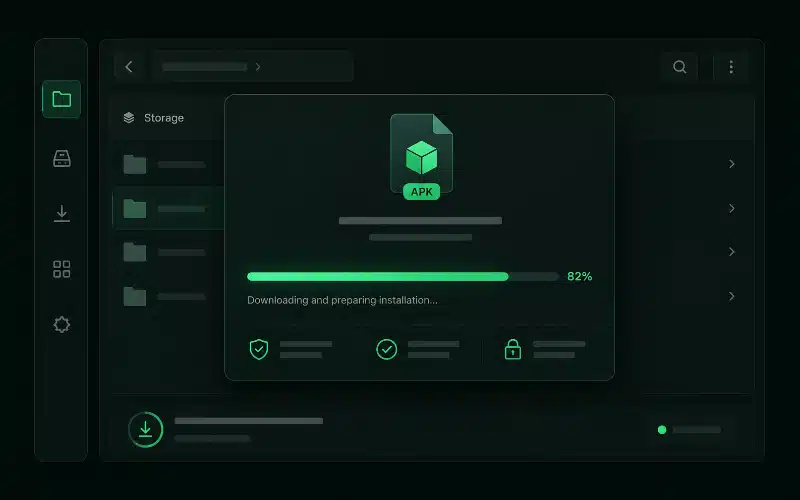 Find the app
Maximise your hardware's true capabilities. Stream 27,000+ live channels and 90,000+ movies natively on your Android TV, Nvidia Shield or Formuler box with advanced anti-freeze processing, built-in VPN protection and lag-free 4K/UHD streams.
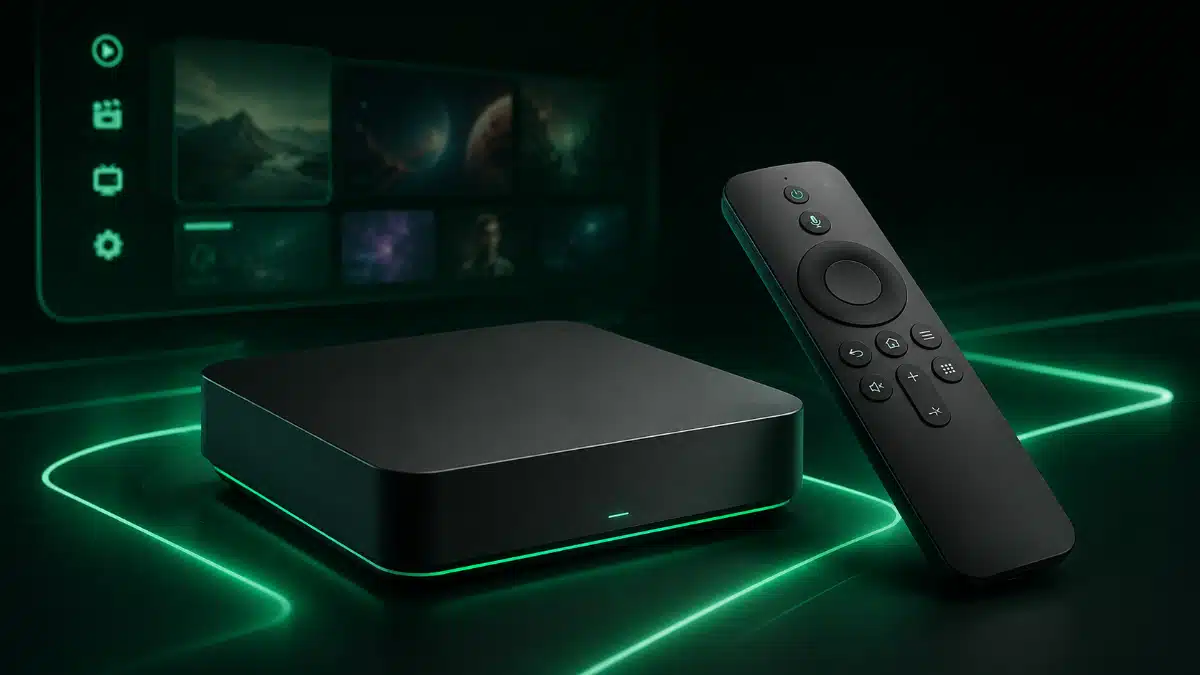 Media box streaming preview
Our infrastructure is uniquely tuned for high-performance dedicated media boxes.
Delivers hyper-smooth playback profiles on hardware-accelerated processing units for high-action sports.
Syncs natively with your box's internal memory storage to prevent playback dropouts.
Feeds full, live electronic program guides instantly into standalone box setups.
Two pathways cover every device — pick the one that matches your hardware.
The native Google Play Store / APK route — ideal for Android TV & Nvidia Shield.
Open the Google Play Store, search for a top-tier media player layout (such as TiviMate Premium or IPTV Smarters Pro), and install it.
Find the app
Select "Add Playlist" and drop in the Xtream Codes API parameters (Server URL, Username, Password) generated instantly at checkout. Your line loads in seconds.
View login formats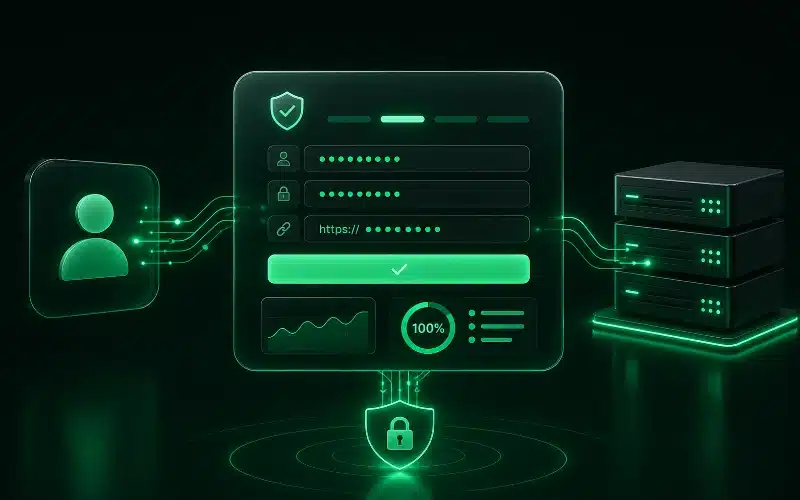 Input API line
The Stalker portal / ID hardware sync — for Formuler & MAG boxes.
Power on your physical streaming box, open its native portal engine (e.g. MyTVOnline 2/3 or inner system setup), and copy the unique MAC address starting with 00:1A:79:
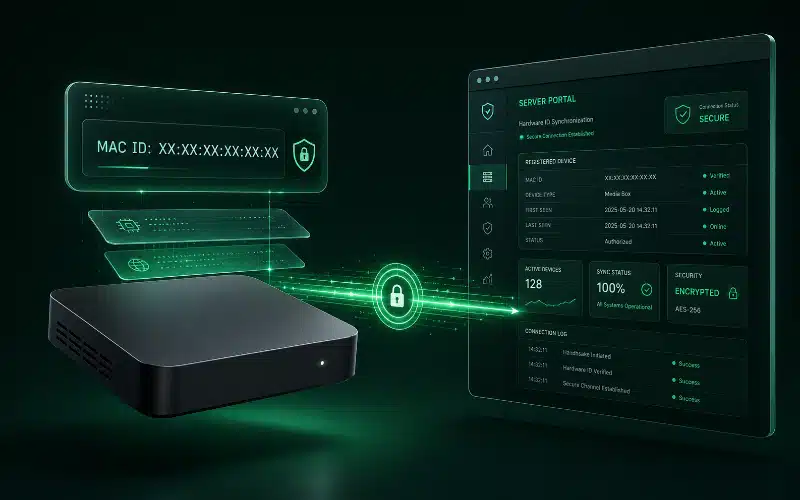 Configure portal
Input the customised Portal URL link provided in your activation message into your box settings to link your server line directly to your hardware ID. Reload to activate.
Our server architecture syncs perfectly across all three — pick your preferred player.
The power-user favourite for Android boxes — gorgeous EPG, recordings and multi-playlist support via Xtream login.
Reliable all-in-one player with live, movies and series tabs — fast Xtream or M3U setup on any Android device.
Feature-rich layout with hardware decoder options and multi-screen support, fully compatible with our lines.
All three sync seamlessly with the same line — switch apps anytime without losing your best IPTV Ireland setup.
Squeeze the best from your Android box on local Irish networks.
Switch the decoder options (hardware / hardware+) inside your player application settings to stop stuttering and use your box's GPU.
Set reliable custom DNS parameters inside your Android network settings panel to improve resolution speed and reduce buffering.
Clear system and app caches periodically to keep resource allocations running flawlessly and Anti-Freeze tech responsive.
Built-in VPN Protection bypasses local Irish ISP throttling and is fully compatible with Android TV and Formuler hardware.
Quick answers for your media box install.
No. Built-in VPN protection is included with every line and bypasses ISP throttling automatically — there's no need to buy or configure a separate VPN.
An M3U line is a single playlist URL you paste into the app. The Xtream Codes API uses a Portal URL plus a username and password, which unlocks tidy live/movies/series categories and EPG. Both deliver the same content — Xtream is usually the cleaner option on Android players.
That depends on your plan's simultaneous-stream limit. The 1 Device plan streams on one screen at a time; the 2 Devices plan allows two at once across any combination of hardware.
This usually means the Portal URL or MAC link wasn't entered exactly, or the portal needs a refresh. Re-check the Portal URL from your activation message, confirm your MAC starts with 00:1A:79:, then reboot the box. Our team can re-sync your hardware ID in seconds on WhatsApp.
Buy IPTV Ireland today and unlock your hardware's full potential in minutes, or test it first with a no-risk 24-hour trial. Backed by a 7-day money-back guarantee.
 Money-back guarantee seal